The Unknown Package Claiming Process
To efficiently resolve unknown packages and get them ready for manifesting, Shiipp features a robust, multi-role claiming workflow.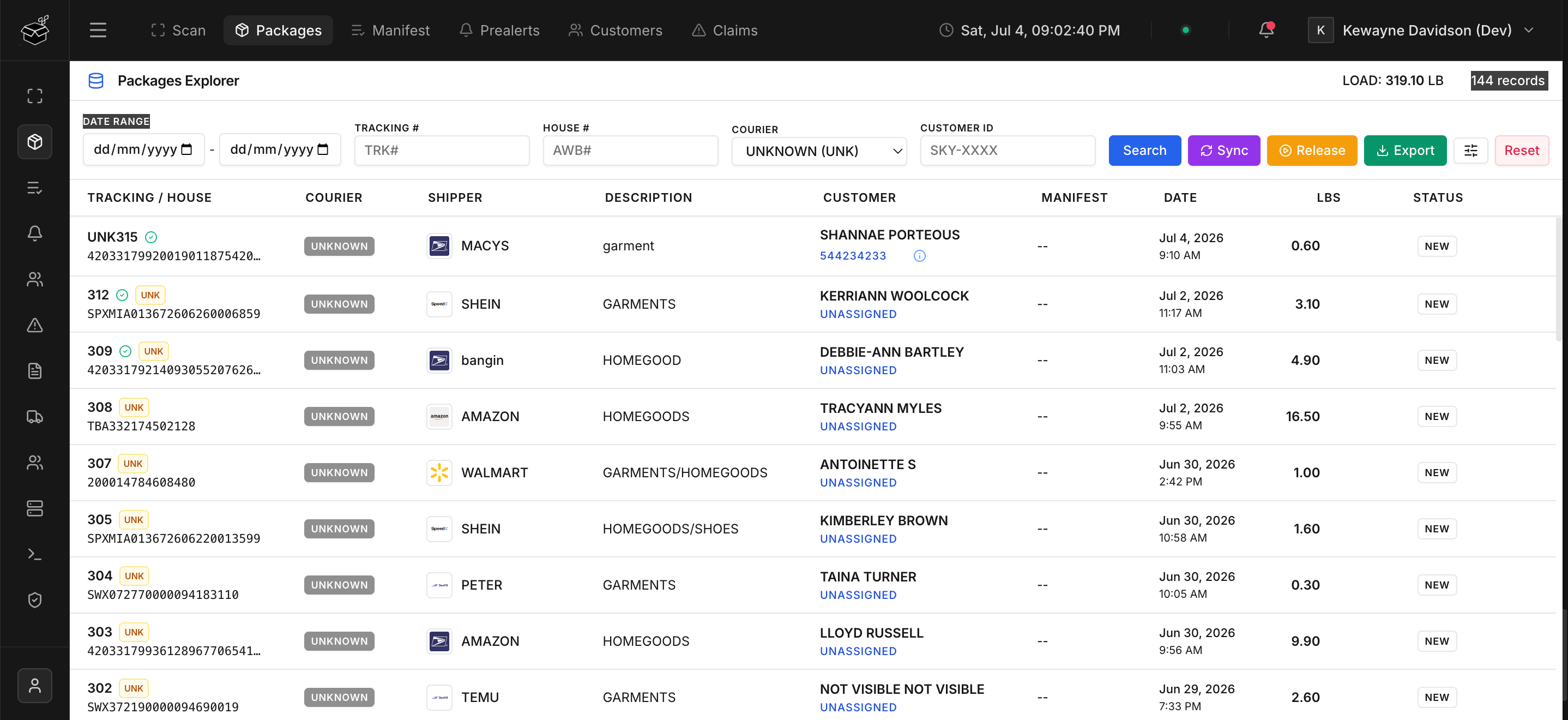
1. Courier Self-Service Claims
Couriers can browse a list of unknown packages in their dashboard. If they recognize a package that belongs to one of their customers, they can click the button to submit a claim. To prevent unauthorized claims, the courier must verify ownership. They can do this in two ways:- Security Check: Providing the last 6 digits of the tracking number.
- Proof of Purchase: Uploading an invoice or receipt (PDF or Image) showing the order details.
2. Streamlined Warehouse Claims
Often, a courier might contact the warehouse directly to claim a package. To speed up this process, warehouse staff can claim unknown packages on behalf of a courier directly from the system. Because warehouse staff are trusted users, they bypass the verification requirement. They simply input the customer’s name, select the correct courier from the dropdown, and submit the claim without needing to verify tracking digits or upload invoices.3. Verification Workflow & Background Notifications
Once a claim is submitted, it enters aPending state, and warehouse administrators can approve or reject the claim.
Throughout this process, Shiipp utilizes an asynchronous background queue to send notifications, keeping the user interface lightning fast:
- Rich Email Notifications: Sleek, modern HTML emails are automatically dispatched to the courier.
- Pending Confirmation: Sent immediately upon claim submission.
- Final Decision: A detailed Approved or Rejected notification is sent once the warehouse acts on the claim. If rejected, it includes specific warehouse notes explaining why.